Website design ↗
Choose a free premade HTML template or a separately quoted bespoke design. We help you find an approach that fits your business, customers and budget.
WEBSITE DESIGN & .NET DEVELOPMENT · LONDON
We design, build and support .NET websites with content management your team can actually use, from a first company site to multilingual CMS platforms and connected systems. London based. You work directly with the developer leading it.
Tell us about your project ↗ Explore our expertise ↓OUR EXPERTISE
Practical website design, reliable development and content management shaped around your business.
Choose a free premade HTML template or a separately quoted bespoke design. We help you find an approach that fits your business, customers and budget.
Reliable .NET development for the features your business needs, from a straightforward company website to property listings and connected systems.
Take control of your content with a CMS that fits your team. Keep moving forward with a partner who knows your website inside out.
SCOPED TO YOUR PROJECT
The number of pages is only one part of a brief. Editing needs, customer journeys, integrations and migration can change the work involved.
A clear introduction, service information and an enquiry route. A premade design can provide a starting point; a bespoke design can address a different brief.
Website design options ↗Plan connected content, different audiences, languages and the features visitors need. Agree a first release and the work required to publish and maintain it.
Plan a .NET website ↗Review what can stay, what needs attention and how changes can be tested. Support and migration are separately scoped around the actual application.
Support and maintenance ↗WHO WE WORK WITH
We welcome independent businesses, established organisations and agencies needing website development. We plan the content, publishing and functionality around the people who will use it.
Present your agency, explain your services and discuss property listings with a CMS for keeping details current.
Introduce your shop, highlight your products and make opening hours, location and contact information easy to find.
Show the work you do, the areas you cover and past projects, with a clear route for customers to request a quote.
Explain your capabilities and showcase completed work. We also welcome enquiries from other local service businesses.
SELECTED CLIENT WORK
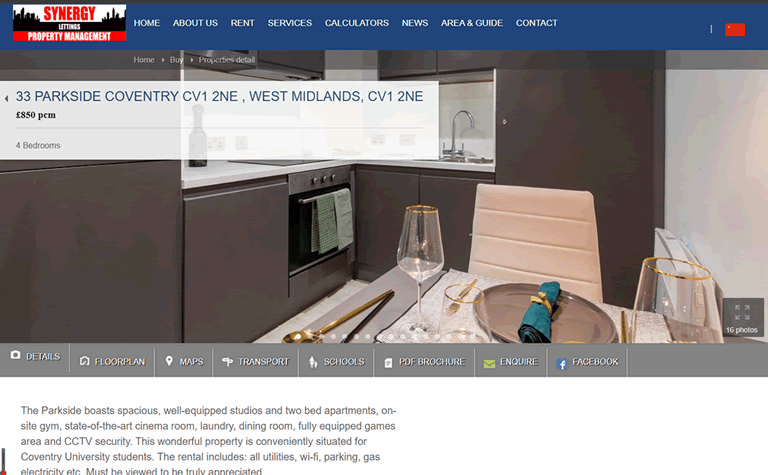
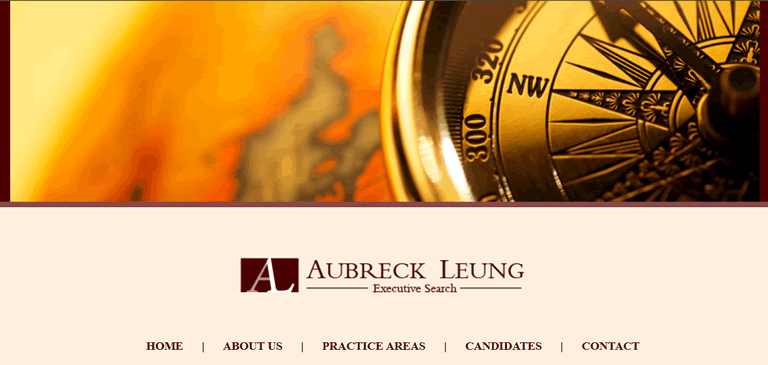
Two current clients, two different requirements: a multilingual property CMS and a straightforward HTML business website.
 PROPERTY / CURRENT CLIENT
Explore the project ↗
PROPERTY / CURRENT CLIENT
Explore the project ↗
 PROFESSIONAL SERVICES / CURRENT CLIENT
Explore the project ↗
PROFESSIONAL SERVICES / CURRENT CLIENT
Explore the project ↗
Screenshots of the live Synergy Estate and Aubreck Leung websites, used with permission.
WHAT PEOPLE WE WORK WITH SAY
“We’ve worked with Abaca Digital since 2010 on more than ten client projects, from the Isle of Man Rent a Car booking system to the T&N claims database. They build the CMS and database work behind our clients’ websites, and several of those systems are still running and supported today. Having a development partner who knows our projects that well has been invaluable.”
“Abaca Digital built our website and CMS in 2019 and we still use both every day. We manage our properties, news and guides ourselves, in more than one language, and they're there when we need technical help.”
“We wanted a clear, professional website that explains what we do without unnecessary complexity. Abaca Digital delivered exactly that, and it still represents the firm well today.”
“Between 2012 and 2014 Abaca Digital developed the CMS and database behind several of our client websites, including multilingual sites in English, Chinese and Russian. They worked from our designs, understood what each client needed to manage, and delivered systems they could run themselves.”
OUR OWN PROJECTS
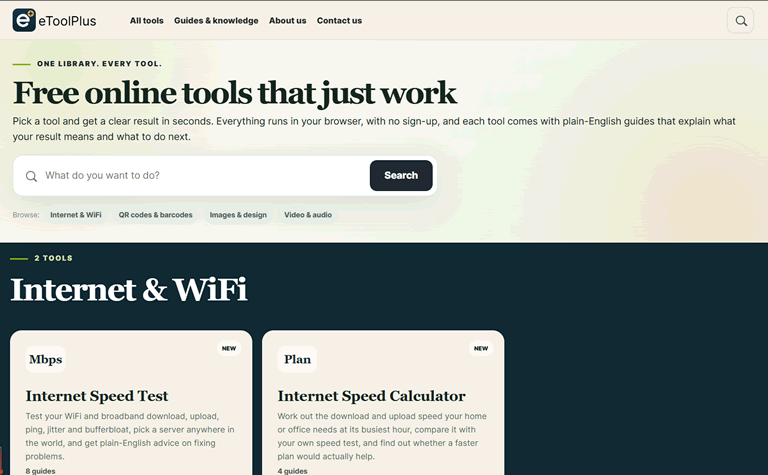
Alongside client work, we develop our own websites. These are our own projects, rather than external client commissions.
OWN PROJECT / 2026 / EVERYDAY ONLINE TOOLS
A collection of practical tools for everyday digital tasks.
Explore the project ↗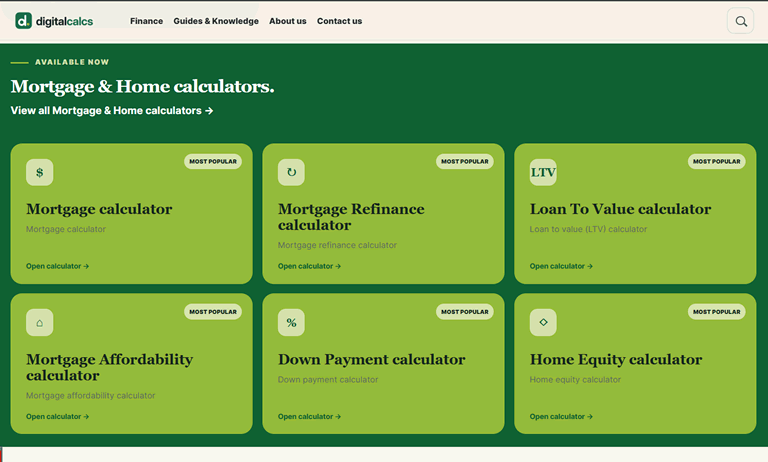
OWN PROJECT / 2026 / FINANCIAL CALCULATORS
Interactive calculators for exploring mortgages and everyday money questions.
Explore the project ↗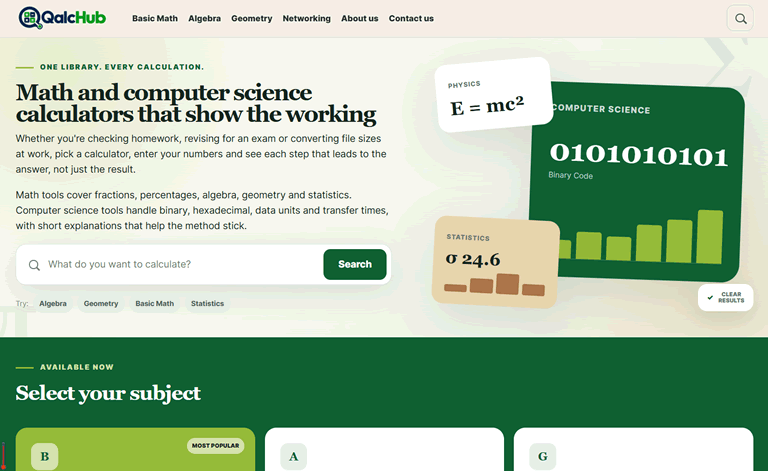
OWN PROJECT / 2026 / MATHS AND COMPUTER SCIENCE
A calculator library built around methods as well as answers.
Explore the project ↗THE ABACA APPROACH
Abaca Digital is run by Baker Tian, a London-based .NET developer with around 15 years of website experience.
Around 30 projects so far, most of them through recommendations from people we have worked with before. You deal directly with the developer leading your project, with trusted self-employed specialists brought in for design, hosting and other work where it is needed. We bring design and development together, with a practical approach to your goals, budget and the way you run your business.
Whether you’re starting fresh, replacing an ageing website or making more of your CMS, we’ll help you find a practical way forward.
Let’s get to know your business ↗HOW WE WORK
Your goals, your audience, your current challenges. We start by understanding what the website needs to do.
We shape the structure, content and visual direction into a clear, considered experience.
We bring the design to life in .NET, connect your CMS and check the details across screen sizes.
Launch is the beginning of the next chapter. We can help your website evolve as your business does.
A LOW-COST STARTING POINT
A proposed starter package from £299 a year for a simple three-page website, CMS and hosting.
No separate starter build fee. Annual payment, defined scope and written terms apply. Explore the proposed package and check whether it suits your business.
Explore the managed website plan ↗A FEW THINGS YOU MIGHT BE WONDERING
Mostly small and medium-sized websites, along with support for existing .NET websites. A larger build can work when it is phased into clear stages, or when we provide development for another agency. We take on a limited number of projects at a time so each one gets proper attention. Our starter plan remains a separate option for a simple small-business site.
Yes. We’ll start with what’s working, what’s holding you back and what your team needs next. That helps us decide what to retain, improve or rebuild.
Our focus is .NET. We can review your existing website and discuss a sensible approach to improvements, integrations or a rebuild.
That’s what a well-considered CMS should make possible. We’ll discuss your publishing needs and build the editing experience around your team.
It depends on the scope, content, CMS and integrations. Tell us what you have in mind and we’ll discuss the work involved before proposing a way forward.
YOUR NEXT CHAPTER STARTS HERE
A new website. A fresh direction.
A technical challenge worth solving.
We’d love to hear what you have in mind.
baker@abacadigital.com
Email us ↗